VMware Workstation 17.6 – no vmmon module
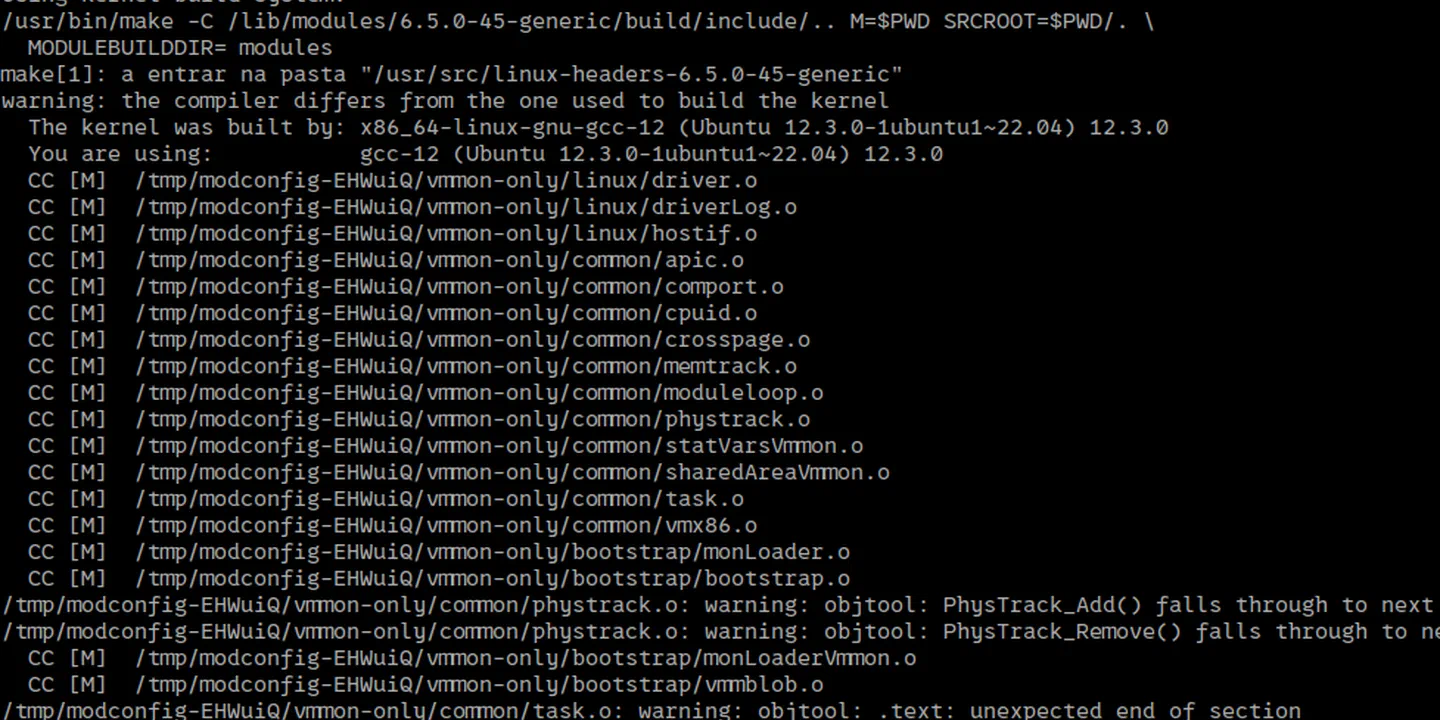
If, when starting a virtual machine, you get an error saying the VMMON module is not loaded, specifically the message:
“Could not open /dev/vmmon. Please make sure that the kernel module vmmon is loaded”
it probably means you don’t have the vmmon and vmnet modules compiled for your kernel version
sudo vmware-modconfig --console --install-allThis command compiles the vmmon and vmnet modules for the kernel you are running.
If you still get an error while compiling them, check that the “build-essential” meta-package is installed, which should install some of the dependencies you need. To do so you can use the command:
sudo apt-get update && sudo apt-get install build-essentialThese instructions were tested with Ubuntu 22.04.5 and kernel 6.5.0-45-generic. At the time of writing, this kernel version is the latest one supported by VMware Workstation 17.6, according to the documentation on the Broadcom website here.