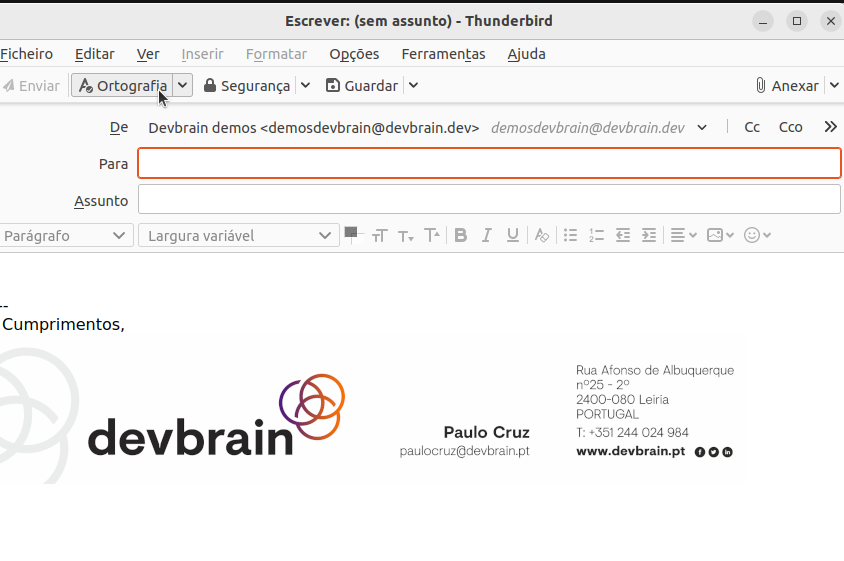
Thunderbird – creating a signature with formatting and images
To add signatures, see the article Thunderbird – Creating a text signature to find out how to reach the settings.
However, if you want to create a signature with other kinds of formatting, you can point to an external file with its layout.
This file can be an image, or alternatively you can create an HTML file and point to it. The easiest way to create the file is to use Thunderbird itself.
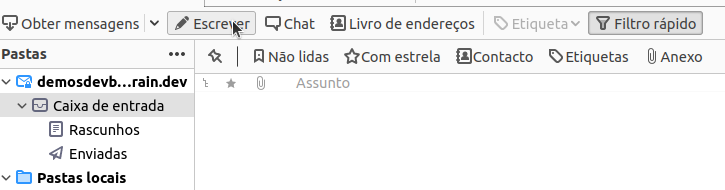
To do so, just create a new, empty message
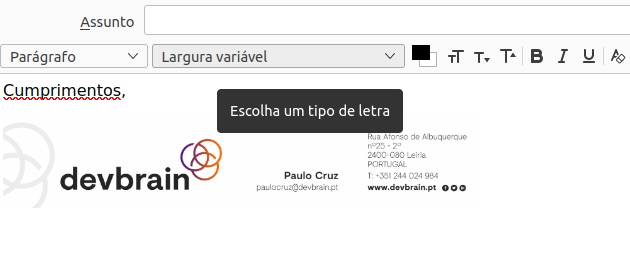
We can edit it, adding the text and images we want for the signature.
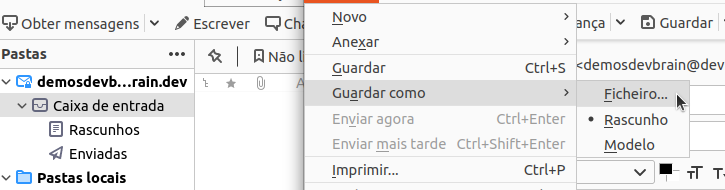
Once the message is composed, we can save the email as a file (note: we don’t fill in any other field of the email).
That is the file we will now add in the settings of the account whose signature we want to configure.
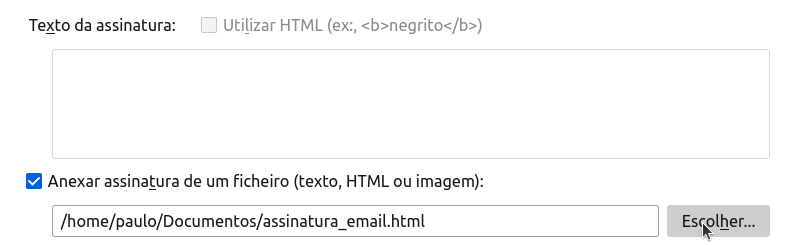
Now, when we create a new email, it will have the signature we have just configured