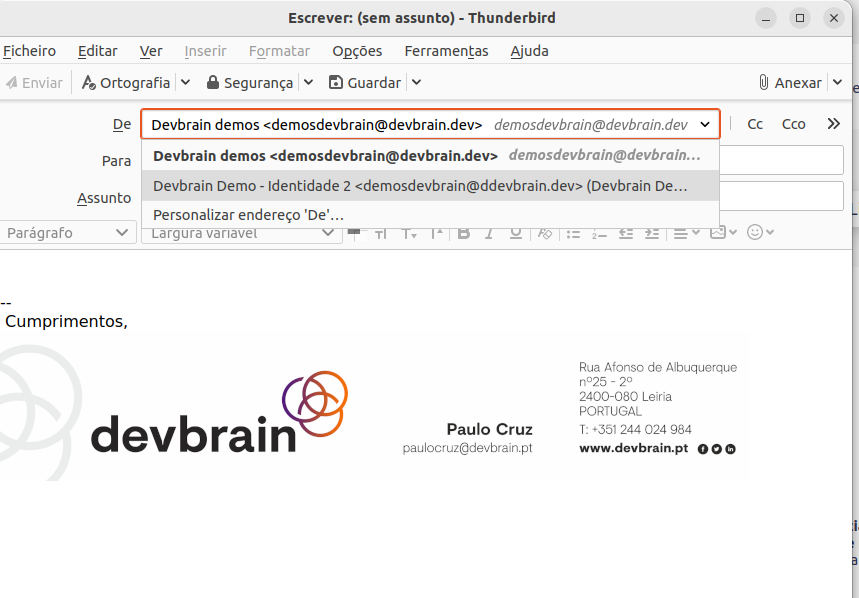
Thunderbird – adding several identities / signatures
If we want to use several signatures with the same email account, in Thunderbird we can create several identities.
To do this, in the account settings in Thunderbird (you can see how to get there here), we can add identities with the “Manage Identities” option.
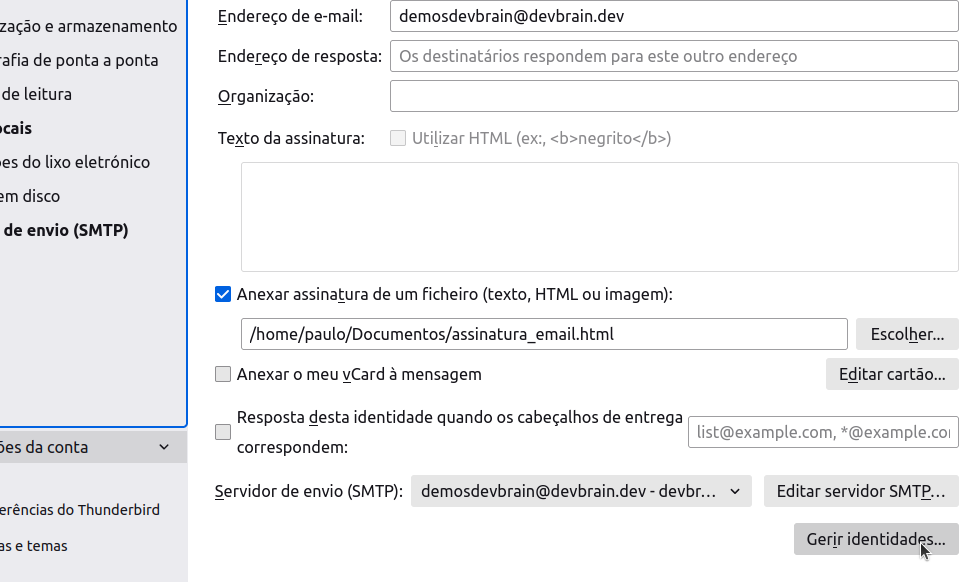
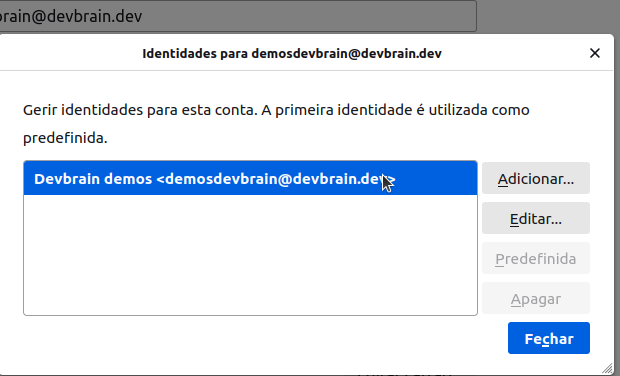
Here we can add a new identity with the add button
Here we can enter the details we want to appear when we select this new identity, in particular the signature:
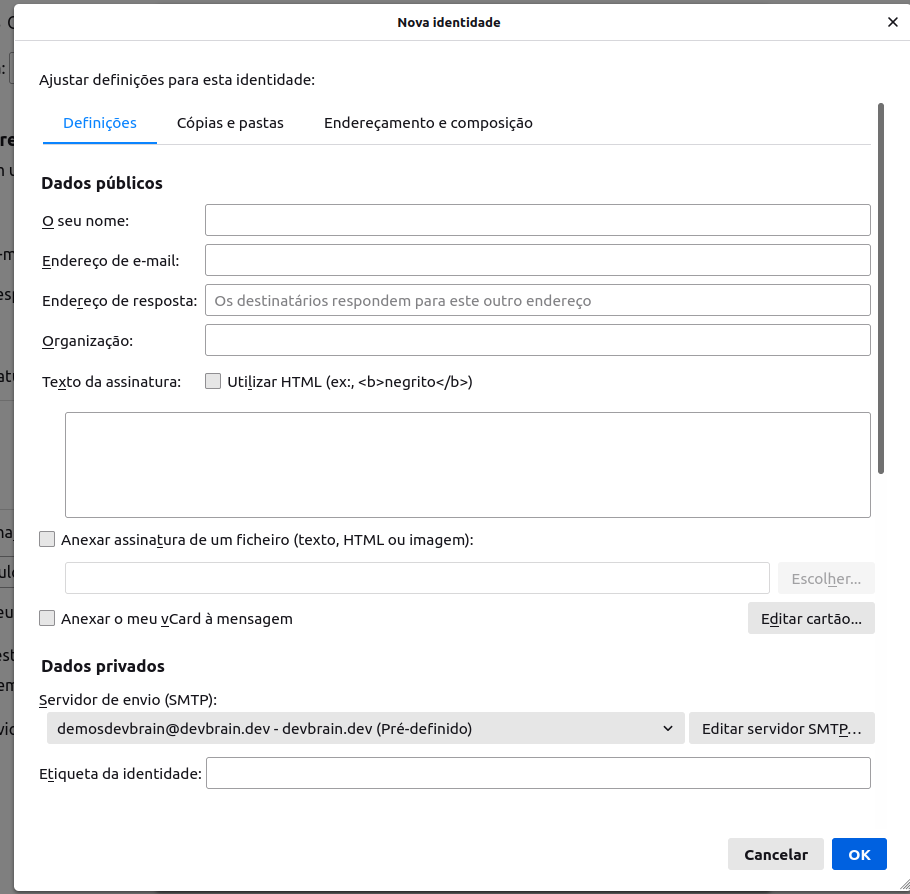
Don’t forget to fill in the “Identity Label” and press “OK” to save the changes.
When writing an email we can then select the identity we want to use (which includes all the settings we configured).