Installing Webmin on Ubuntu Server
Downloading Webmin
To install Webmin on Ubuntu Server, we first have to download it from https://webmin.com/
There you can download Webmin for several distributions. We will download the Debian package from the “Downloads” section of the site.
On this page you can download the “Debian package suitable for Debian, Ubuntu or other derived Linux”
It is always good practice to check the integrity of the downloaded package, using md5sum to generate the MD5 checksum and comparing it with the one given on the site.
Once we are sure the file is intact, we have to copy it to the server where it will be installed. We can do this with various tools, depending on where the server is and which operating system we are using.
Most commonly we will have SSH access, which lets us use scp, FileZilla, rsync, etc., to transfer the file securely.
Installing Webmin
Once the Debian package is on the server, and with access to the terminal, locally or remotely over SSH, we start the installation.
We find the folder where we copied the file and go into it.
Assuming, for example, that we copied it to a Downloads folder in our user’s home folder:
cd ~/DownloadsWe can confirm that the file is actually there
ls -lhWe should get something like

We start the installation
sudo dpkg -i webmin_2.000_all.debAt the end it will probably show an error saying that packages are missing, so we then run the following
sudo apt-get -f installThis installs the packages Webmin needs, as well as Webmin itself. To check whether it is running
sudo systemctl status webminWe should see something like the following image

If the firewall is active, we should check that incoming traffic to port 10000 is allowed.
On Ubuntu Server we can check this with the ufw command
sudo ufw statusWe should get something like the following

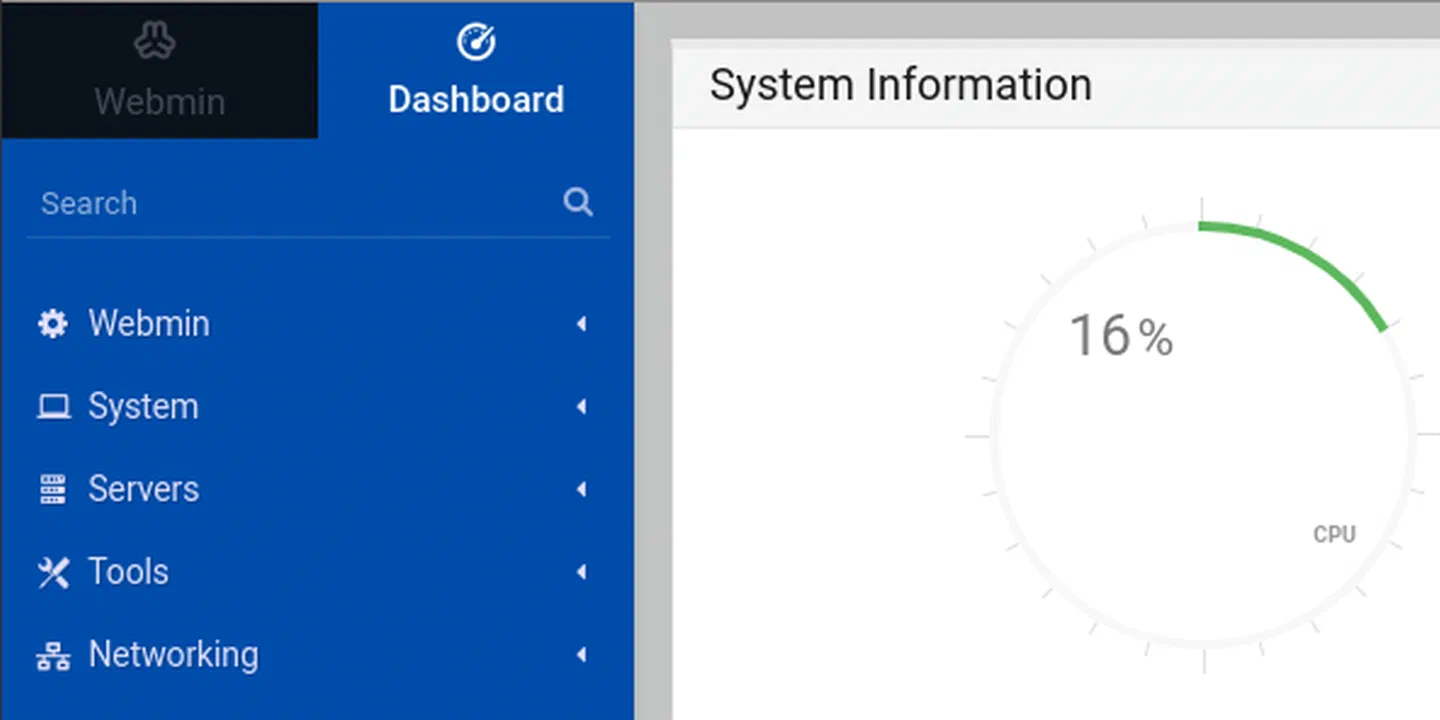
To open Webmin, just go to https://xxx.xxx.xxx.xxx:10000 in the browser, where xxx.xxx.xxx.xxx is your server’s address.